
LinkPoint360 Release Notes: Product Releases and What’s New
Stay up to date with the latest enhancements to LinkPoint Blade and LinkPoint Connect. Our releases focus on improving productivity, security, reliability, and the Outlook-to-Salesforce experience.
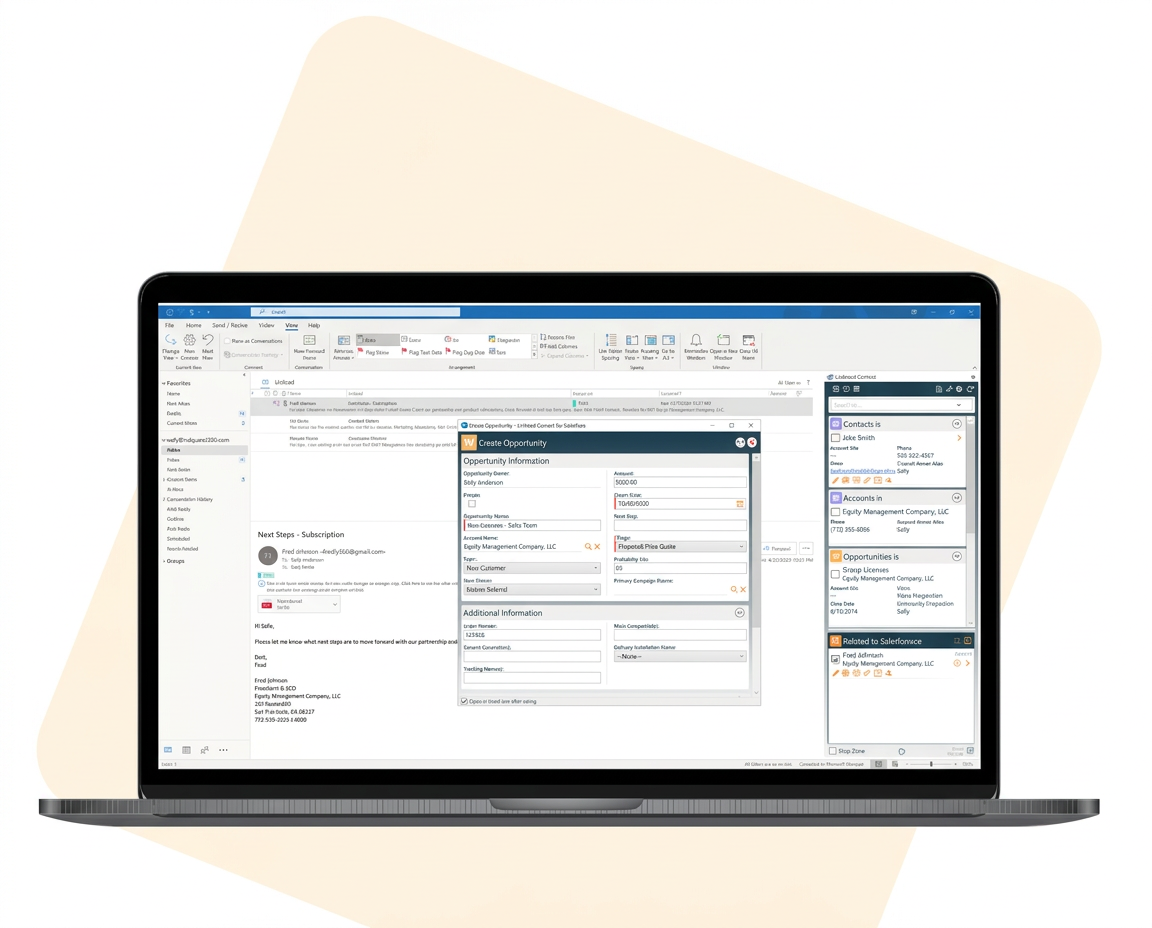
Current Versions at a Glance
Whether you use our cloud-based LinkPoint Blade platform or LinkPoint Connect Desktop, you can find the latest release highlights, resources, and upgrade information below.
| Product | Current Version | Released | How It Updates |
|---|---|---|---|
| LinkPoint Connect | 7.5 | August 2026 | Automatic or administrator-managed |
| LinkPoint Blade | 8.0 | August 2026 | Automatic for all users |
Support the Latest Salesforce OAuth Requirements
Salesforce OAuth Security Updates
LinkPoint’s latest releases support Salesforce’s latest OAuth security requirements while maintaining a secure and reliable connection between Outlook and Salesforce.
These updates provide stronger authentication security and help organizations stay current with Salesforce platform requirements.
PKCE Authentication
Proof Key for Code Exchange. Sign-ins between Outlook and Salesforce are protected against intercepted login codes.
Refresh Token Security
Enhanced OAuth token protection. Your saved Salesforce connection is harder to misuse if a device is lost or compromised.
Refresh Token Idle Timeout
Support for Salesforce token expiration requirements. LinkPoint follows your Salesforce session policies, so inactive connections expire as your admin intends.
Latest LinkPoint Releases
Explore the latest versions of LinkPoint Connect and LinkPoint Blade.
Version 7.5 · Released August 2026
LinkPoint Connect Release Highlights
Windows desktop
Modern Security. Improved Reliability. Better Performance.
The latest version of LinkPoint Connect includes important security enhancements designed to support Salesforce’s latest authentication requirements while continuing to provide the Outlook-to-Salesforce productivity features our customers use every day.
- Support for Salesforce’s latest OAuth security requirements
- PKCE authentication support
- Enhanced OAuth token security
- Refresh Token Idle Timeout support
- Improved authentication reliability
- Performance improvements
- Bug fixes and stability enhancements
- Continued support for the Enhanced Side Panel
Version 8.0 is recommended for all LinkPoint Connect customers.
Version 8.0 · Released August 2026
LinkPoint Blade
Microsoft 365 Outlook Add-in
Salesforce and Outlook from Anywhere on Any Device.
LinkPoint Blade is our modern Microsoft 365 Outlook Add-in, providing access to Salesforce functionality across today’s Outlook platforms without requiring a traditional desktop installation.
Blade is automatically updated as new releases are deployed, allowing users to receive the latest enhancements without installing desktop software.
- Works in: Outlook for Windows, New Outlook, Outlook for Mac, Outlook on the Web, and Outlook Mobile
- Deployment: Microsoft 365 Outlook Add-in, no desktop installation, automatic cloud updates, and web-based administration
- Features: View, create, and edit Salesforce records from Outlook; one-click and automatic activity capture; email and calendar synchronization; custom field support
Blade is automatically updated for all users.
Why Upgrade to the Latest LinkPoint Release
Stay secure, improve productivity, and keep your LinkPoint products current, reliable, and supported.
Security
Stay current with Salesforce’s latest authentication and security requirements, including modern OAuth security standards.
Productivity
Take advantage of enhancements designed to reduce clicks, simplify everyday tasks, and streamline Outlook-to-Salesforce workflows.
Reliability
Benefit from ongoing bug fixes, performance improvements, authentication updates, and compatibility enhancements.
Support
Current releases receive the latest product enhancements, security updates, compatibility improvements, and ongoing technical support.
Compare LinkPoint Blade to LinkPoint Connect
LinkPoint360 offers two ways to connect Outlook and Salesforce. Compare LinkPoint Blade’s cloud-based Microsoft 365 experience with the traditional Windows desktop capabilities of LinkPoint Connect.
| Feature | LinkPoint Blade | LinkPoint Connect |
|---|---|---|
| Platform | Microsoft 365 Outlook Add-in | Windows Desktop Application |
| Installation | No desktop installation | Windows desktop installation |
| Updates | Automatic cloud updates | Automatic or administrator-managed |
| Outlook for Windows | Yes | Yes |
| New Outlook | Yes | No |
| Outlook for Mac | Yes | No |
| Outlook on the Web | Yes | No |
| Outlook Mobile | Yes | No |
| Salesforce Records | View, create and edit | View, create and edit |
| Email & Calendar | One-click and automatic activity capture | Recording and synchronization capabilities |
| Administration | Web-based administration portal | Desktop and organization-managed configuration |
| Enterprise Deployment | Microsoft 365 deployment | Traditional software deployment / Citrix / VDI |
| Best For (new) | Teams moving to New Outlook, Mac or mobile users, organizations reducing desktop software | Classic Outlook for Windows, Citrix/VDE environments, highly customized deployments |
| QuickStart | LinkPoint Blade QuickStart | LinkPoint Connect QuickStart |
| Feature | LinkPoint Blade |
|---|---|
| Platform | Microsoft 365 Outlook Add-in |
| Installation | No desktop installation |
| Updates | Automatic cloud updates |
| Outlook for Windows | Yes |
| New Outlook | Yes |
| Outlook for Mac | Yes |
| Outlook on the Web | Yes |
| Outlook Mobile | Yes |
| Salesforce Records | View, create and edit |
| Email & Calendar | One-click and automatic activity capture |
| Administration | Web-based administration portal |
| Enterprise Deployment | Microsoft 365 deployment |
| Best For (new) | Teams moving to New Outlook, Mac or mobile users, organizations reducing desktop software |
| QuickStart | LinkPoint Blade QuickStart |
| Feature | LinkPoint Connect |
|---|---|
| Platform | Windows Desktop Application |
| Installation | Windows desktop installation |
| Updates | Automatic or administrator-managed |
| Outlook for Windows | Yes |
| New Outlook | No |
| Outlook for Mac | No |
| Outlook on the Web | No |
| Outlook Mobile | No |
| Salesforce Records | View, create and edit |
| Email & Calendar | Recording and synchronization capabilities |
| Administration | Desktop and organization-managed configuration |
| Enterprise Deployment | Traditional software deployment / Citrix / VDI |
| Best For (new) | Classic Outlook for Windows, Citrix/VDE environments, highly customized deployments |
| QuickStart | LinkPoint Connect QuickStart |
How LinkPoint Upgrades Work
How you receive a new release depends on which LinkPoint product you use and how your organization manages software.

LinkPoint Blade Upgrades
LinkPoint Blade is managed as a web-based Microsoft 365 application. Blade is automatically upgraded to the latest version for all users during each release deployment. No desktop installation or user-initiated upgrade is required.
LinkPoint Connect Desktop Upgrades
Individual users may manage available updates through LinkPoint Assist.
To preserve existing configurations, some environments may not receive automatic upgrades, including:
- Citrix and VDE environments
- Custom deployments
- LinkPoint Solutions integrations
- Organizations that manage software deployment through internal IT processes
Some organizations may also choose to disable automatic upgrades and release new versions through their internal software deployment or change-management processes.
If a feature listed in the current release is not available in your installation of LinkPoint Connect, please contact your System Administrator or LinkPoint360 Support.
Previous LinkPoint Releases
Browse earlier LinkPoint releases and their release notes to see how each product has evolved.
LinkPoint Connect 7.3
Windows Desktop
The LinkPoint Connect 7.3 release introduced LinkPoint TimeScout meeting scheduling within the Enhanced Side Panel.
TimeScout helps eliminate the back-and-forth involved in scheduling meetings with prospects, customers, and colleagues.
Release documentation includes:
- Account configuration
- Managing meeting types
- Updating settings
- Booking experience
ReleasedOctober 2020
UpdatesAutomatic or administrator-managed
LinkPoint Release History
| Released | Product | Version | Highlight |
|---|---|---|---|
| August 2026 | Connect | 7.5 | Salesforce OAuth security updates (PKCE, refresh token protection) |
| August 2026 | Blade | 8.0 | Office 365 Add-In |
| October 2020 | Connect | 7.3 | TimeScout meeting scheduling in the Enhanced Side Panel |
Frequently Asked Questions
Get quick answers to common questions about LinkPoint releases, upgrades, and compatibility.
Do I Need to Do Anything to Get the Latest LinkPoint Blade Release?
No, you do not need to do anything to get the latest LinkPoint Blade release. Blade updates automatically for all users when a new release is deployed.
How Do I Upgrade LinkPoint Connect?
Most users can update through LinkPoint Assist. If your IT team manages software deployment, or you run Citrix or VDE, your administrator will deploy the update. We can also help with the upgrade. Contact us today.
Will Upgrading Change My Configuration or Custom Fields?
Upgrades are designed to preserve your existing configuration. Environments with custom deployments are upgraded through your administrator so settings stay intact.
What Happens If I Don’t Upgrade LinkPoint Connect to 8.0?
Salesforce updated its security requirements, such as PKCE, in March 2026. Earlier versions of Connect may be unable to connect to Salesforce.
Does LinkPoint Work With New Outlook?
Yes, LinkPoint works with new Outlook through LinkPoint Blade. LinkPoint Connect supports classic Outlook for Windows only.
Is My Email Data Stored Outside Salesforce?
No, email data is not stored outside Salesforce. LinkPoint saves captured emails and meetings directly to your Salesforce organization, so your existing security and retention policies apply.
Can I Move From LinkPoint Connect to LinkPoint Blade?
Yes. Our team can review your current setup and plan the move. Contact us.